Default Membership Card with Styling
Parks & Rec > Sign-In > Sign-In > Choose Workspace Location > Contact > SIGN IN > MEMBERSHIP DETAILS > CARDS > PRINT A CARD
A new default card with styling has been added for printing membership cards directly from the CARDS tab of the Membership Details page:
The PRINT A CARD button opens a PDF of the membership card.
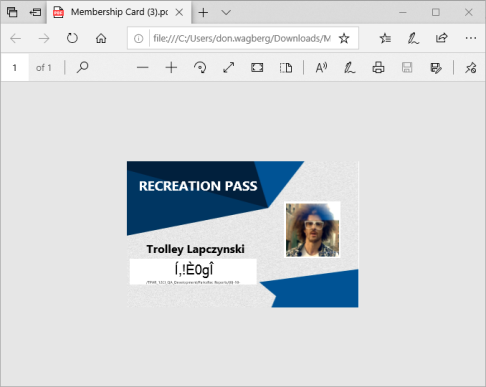
Click the Print icon  to open the PDF File-Print dialog.
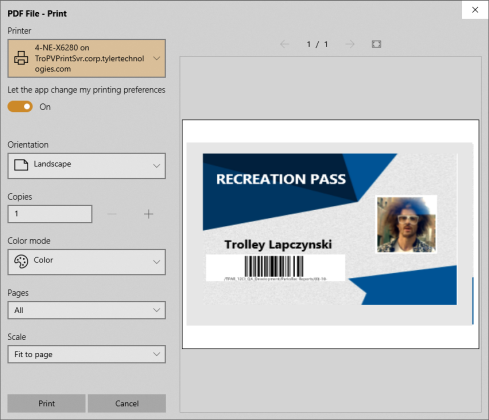
After making you selections on the dialog, click Print.